For short-term rental hosts
Free STR Hours Tracker
Keep a work log for each Airbnb or Vrbo rental. Download a free workbook to record tasks and team hours, or compare your hours for the 100-hour test right here.
Excel and Google Sheets · No sign-up
100-hour test calculator
Use hours for the same rental activity and tax year.
Use the largest individual total. Enter 0 if nobody else worked.
Enter hours as a number of zero or more.
Review which hours count and how to include a spouse’s participation. IRS Publication 925
Keep an STR hours log by property
Open the workbook in Excel or import it into Google Sheets. Use the Hour log tab for your tasks, Other people for individual team hours, and Summary to compare totals for each property.
Workbook instructions and printable logAverage guest stay calculator
Use your booking records to calculate the average stay and compare it with the seven-day threshold.
Calculate average stayTrack short-term rental work in the PropHours app
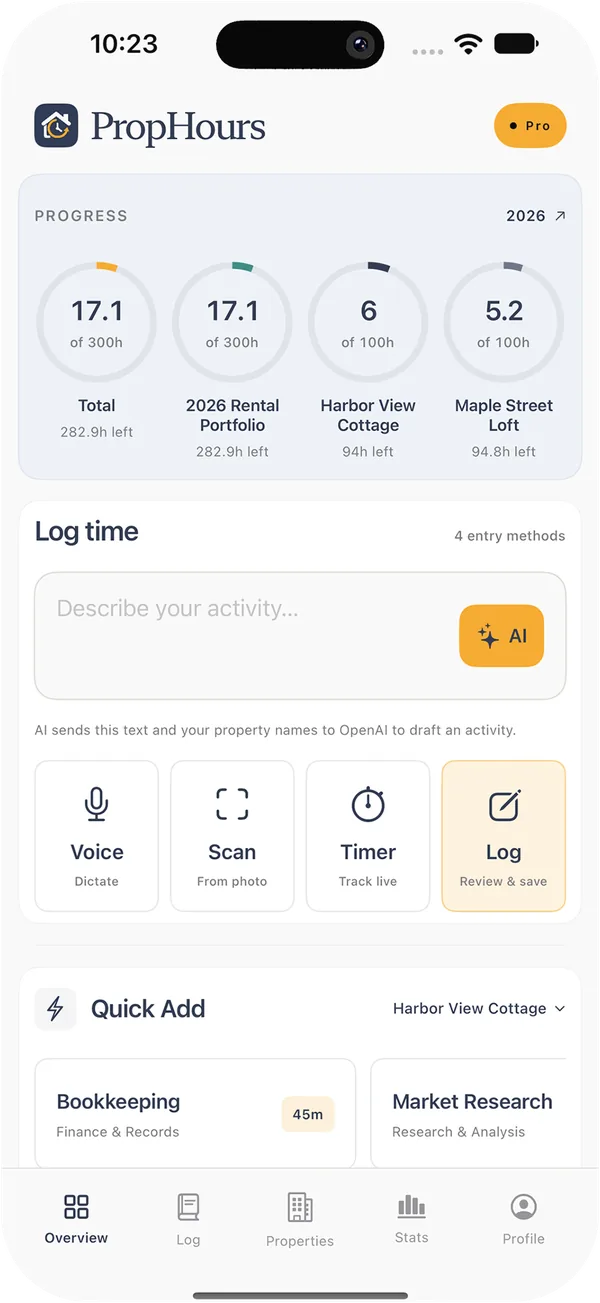
Start a timer during a turnover inspection, dictate a note after a guest call, or use AI to draft an entry. Attach the repair invoice or inspection photo to the work you logged.
Keep your cleaner’s and co-host’s hours separate from yours, see totals by rental, and export a dated log for your CPA.
Try PropHours Pro free for 14 days.
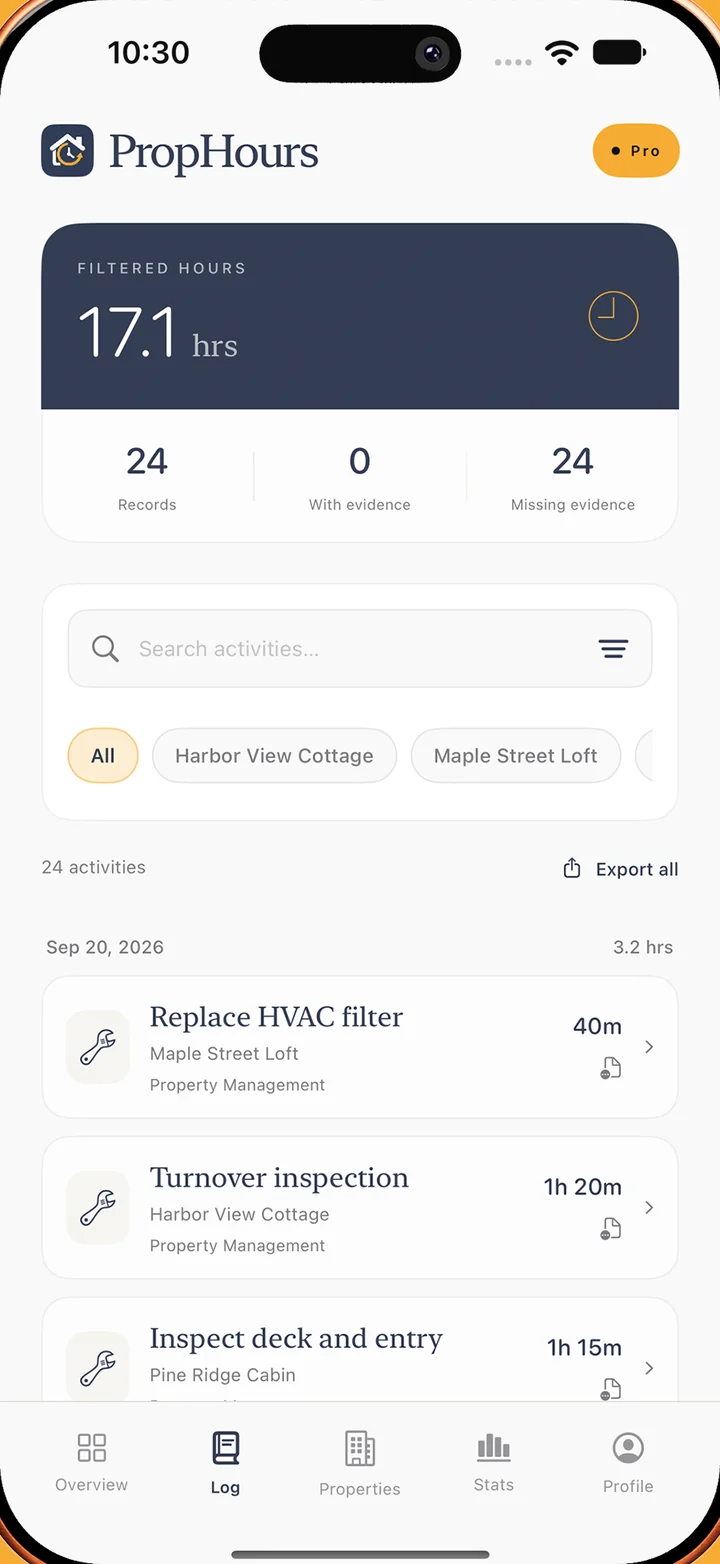
A sample record
Build a material participation log with the STR Hours Tracker
After a guest checks out, you inspect the property, test the smoke alarms and photograph a loose door handle. When you finish, record the time you spent and attach the photo to that activity.
Use the PropHours material participation app to start a timer, dictate the details or type them. If you start with an imported calendar event, review the draft and enter the time you actually worked.
Sample activity
Turnover inspection
- Property
- Harbor View Cottage
- Time spent
- 35 minutes
- Logged by
- Property owner
- Evidence
- Inspection photo
How to track Airbnb and Vrbo hours
Use the STR Hours Tracker for the work you do to run each rental. A short, specific note can help you remember why you spent time on a property months later.
Set up each rental
Give each property a name you can recognize in the activity log. If the same cottage is listed on Airbnb and Vrbo, use one property in PropHours so work for either listing stays in the same record. Keep a separate property for each rental you want to review on its own.
Log the task and the actual minutes
Choose the property, date and category. Use a timer, a voice note or a manual entry. Write what you did, such as “Scheduled a lock repair and confirmed access with the guest,” so you can tell it apart from another entry about the same repair.
Check the log at the end of the week
Filter by property and look for missing dates, duplicate entries or tasks recorded against the wrong rental. Attach a photo, receipt or document where it helps explain the work. Review drafts from imported calendars before saving them as activity.
Compare work hours for the 100-hour test
Track Airbnb hours by property
Open a rental to see its recorded hours. Keep a cabin’s inspection time separate from work on the rest of your portfolio.
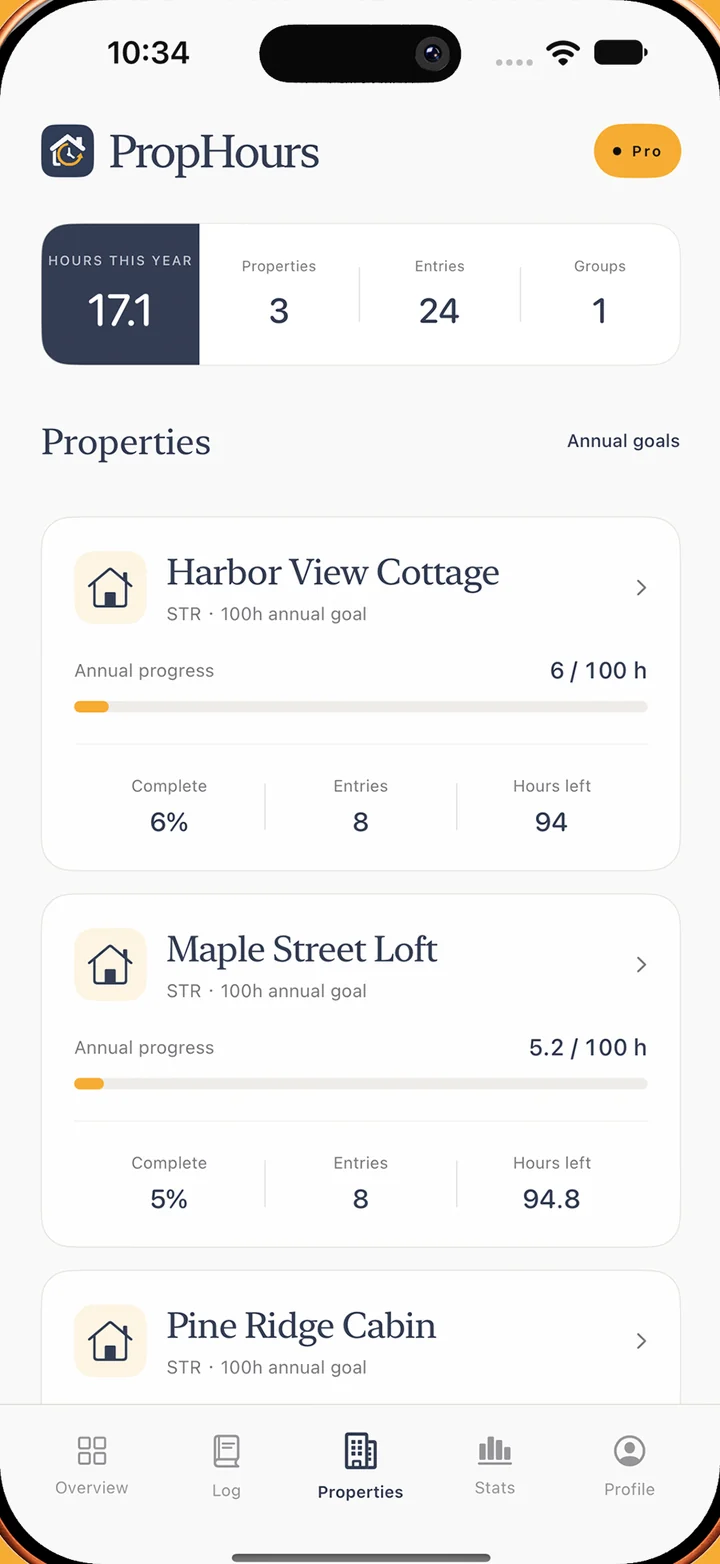
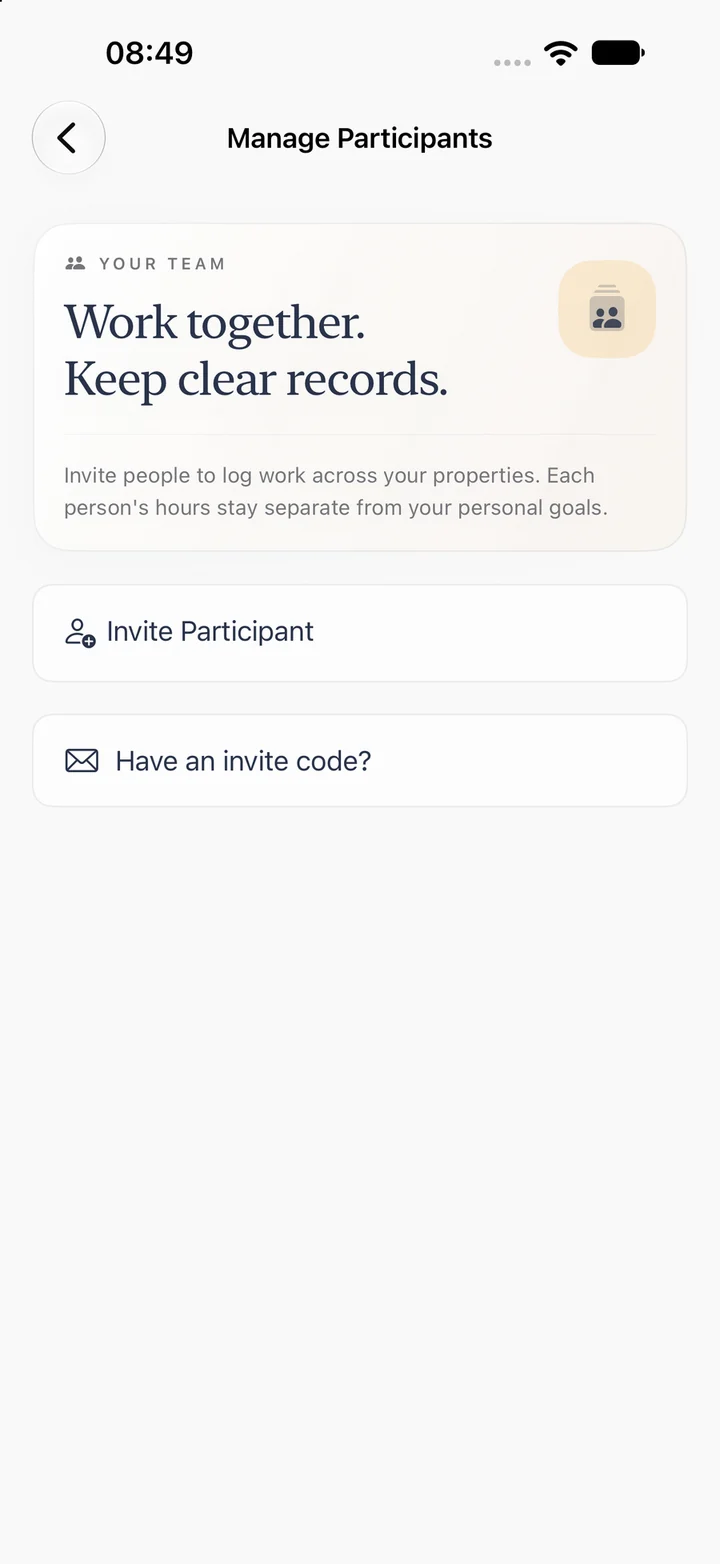
Keep each person’s hours separate
Invite your co-host, cleaner or contractor to log their time. Separate records let you compare your hours with each person’s when reviewing the 100-hour material participation test.
Record rental work as it happens
Start a timer, dictate a note or type the task. Review the property, date and actual minutes before saving the entry in the STR Hours Tracker.
Keep receipts with the work they support
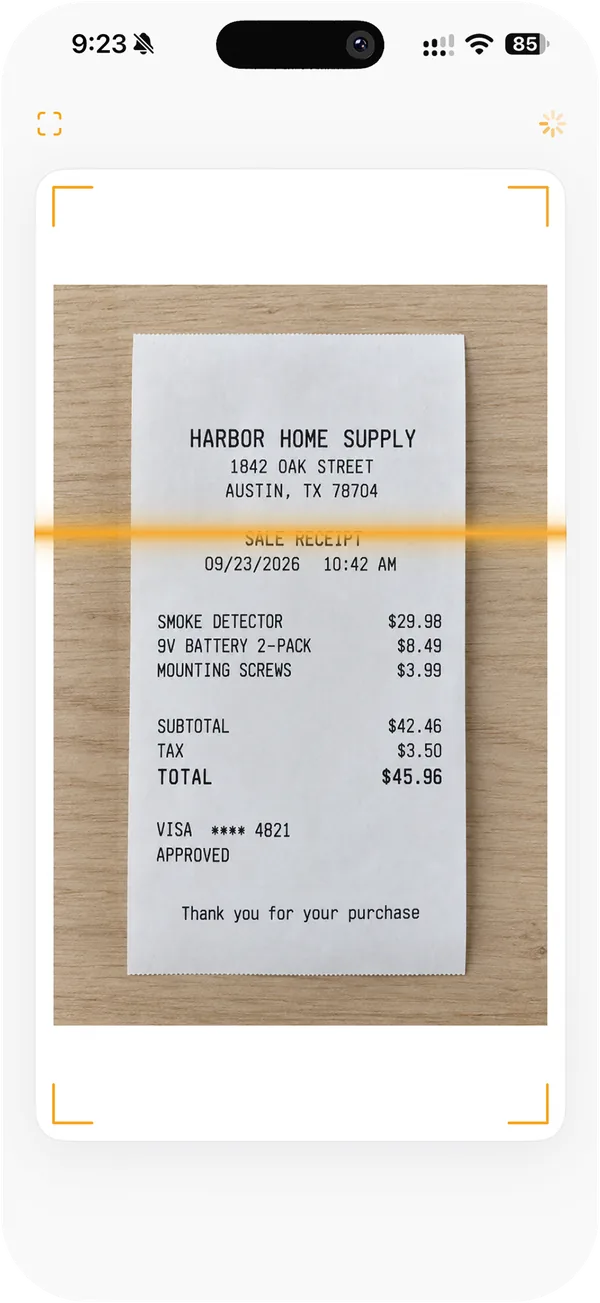
Scan a receipt to start an activity draft, then review the task and time before saving. You can also attach photos and files to an existing entry.
A sample week of short-term rental work
Here is how four entries for Harbor View Cottage could look in a short-term rental activity log. Each line describes the owner’s work, the time spent and a record that could help explain it later.
| Activity | Time | Supporting record |
|---|---|---|
| Resolved a guest’s entry-code issue | 20 min | Guest message thread |
| Inspected the rental after checkout | 35 min | Inspection photo |
| Replaced a broken cabinet hinge | 50 min | Parts receipt and repair photo |
| Confirmed a plumber’s visit and arranged access | 25 min | Service confirmation |
| Total for the week | 2 h 10 min | |
Keep each cleaner’s or co-host’s entries under their own name. When you review the 100-hour material participation test, that lets you compare the owner’s time with each other person’s time for the same rental activity.
Compare owner and team hours across two rentals
Say you manage a cottage and a loft with the same cleaner and co-host. Keep each person’s time with the rental where the work took place. That gives you a record you can review for each rental activity with your CPA.
| Person | Cottage | Loft |
|---|---|---|
| Owner | 112 h | 104 h |
| Cleaner | 120 h | 82 h |
| Co-host | 23 h | 19 h |
Read each comparison on its own
For the 100-hour test, your participation must exceed 100 hours and equal or exceed the participation of every other individual in the activity. If the cottage and loft are separate activities, the owner in this example falls short of the individual comparison at the cottage and leads the comparison at the loft. That reading assumes the log contains all relevant participants and qualifying hours. See IRS Publication 925 for the test.
Ask for a breakdown of shared work
A cleaning company might send one invoice covering both rentals or a crew with several people. Keep the invoice and ask whether it can provide time by person and property. When your own visit covers both rentals, record the time spent at each property. If the split is uncertain, keep the source and note how you estimated it for your CPA.
Keep guest stays and host work in separate records
A guest stay and the host’s work answer different questions. A four-night reservation shows how long the guest used the cottage. A 25-minute entry for coordinating an emergency lock repair shows how long you worked during that stay.
Reconcile the booking history
If the cottage appears on Airbnb and Vrbo, collect the stay history for both listings under the same property. Check extensions, early checkouts and duplicate calendar events against the platform records. In a simple example with completed stays of three, four and eight days, 15 days across three stays gives a five-day average. Use the average guest stay calculator to work through a longer list.
Describe the work behind the reservation
Save the date, property and minutes in the activity log. For the lock repair, the work entry could read “Confirmed the guest could get in and arranged a locksmith visit.” Attach the relevant message or service confirmation if it helps document the task. Review imported calendar drafts for duplicate events and record the time you actually spent working.
Add past rental work from records you already have
If you start using the STR Hours Tracker partway through the year, gather the records you already kept. Start with the work you can identify by date, property and task, then note how you determined the time.
Use the date the work happened
Suppose you inspected the loft on August 18 and entered the record in September. Use August 18 as the activity date and keep the inspection photo with the entry. If you estimated the time from a calendar event and a follow-up message, describe that basis in the notes. For longer gaps, compare the calendars, receipts and service records available for each rental.
Check for entries you already saved
A calendar draft, a spreadsheet row and an existing manual entry may all describe the same inspection. Search the log by property and work date before adding it again. Keep one activity with the useful supporting details. If your spreadsheet covers several properties, review property matches and activity dates during CSV activity import on the web.
Bring uncertain entries to your CPA with the source records and your notes. The guide to documenting material participation explains what those records can help establish.
Record changes in how a property was used
Mark when the rental became available
If you bought a cabin in February and opened it to guests in May, keep the listing activation, first booking and renovation records. Describe preparation work such as furnishing or replacing fixtures separately from guest operations such as turnovers and service calls. This helps your CPA review the timing and purpose of the work.
Keep a timeline when the use changes
When a property switches to longer stays, closes for repairs or is used personally for part of the year, record the dates and what changed. Keep the booking history and activity log for that property together, with notes about any periods your CPA needs to review. Include the platform or listing name if it changed during the year.
What to share with your CPA for each rental
Before tax season, review the year’s entries by property. A dated log with clear task descriptions gives your CPA a way to trace an annual total back to the work behind it.
- Activity log. Export the records and identify the rows for each rental your CPA is reviewing.
- Evidence. Keep receipts, photos and work confirmations linked to the relevant activity.
- Time by person. Keep participant records available for tests that compare your hours with others.
- Guest stays. Keep reservation dates handy if your CPA is also reviewing the STR loophole and average stay rules.
Questions about tracking STR hours
What does the STR Hours Tracker record?
A short-term rental hours tracker should capture the date, property, task, duration and person who did the work. Attach a receipt, invoice or photo when it helps explain the entry. See our guide to documenting material participation for more examples.
How do I track hours for the STR loophole?
Record the time you actually spend on guest communication, inspections, turnovers and other work as it happens. Keep other people’s time separate so you can review the records against the material participation tests with your CPA.
Can I use a booking calendar as an hour log?
PropHours can use connected calendars to help draft records. Review the date and property, then confirm the task and actual time. A reservation tells you when guests stayed.
Can I review one rental’s records with my CPA?
Filter the activity log by property to see work for that rental. The exported activity log includes property names so you can find the relevant rows to share with your CPA.